
Billing software for management companies and HOAs
Easybilly is Unitify's billing module: it applies each building's own rules, generates invoices automatically, and sends them to the resident app so people can pay without a call to the office. It's built for property managers, owners' associations and developer-owned management companies. Live deployment: Ande Tower in Georgia; Avant Park in Baku, Azerbaijan moved charges from Excel to Easybilly.
How billing works
Import your building
Apartments, owners and opening balances import from Excel or your old system — nobody re-types balances by hand.
Set the rules once
Charge per square meter, per apartment, per resident or a flat amount. Each building keeps its own rules.

Invoices go out on their own
Easybilly closes the month in minutes and sends each invoice straight to the resident app — every line says where its number came from.
Residents pay in one tap
Residents get a PDF with a QR code, or pay in one tap in the app.
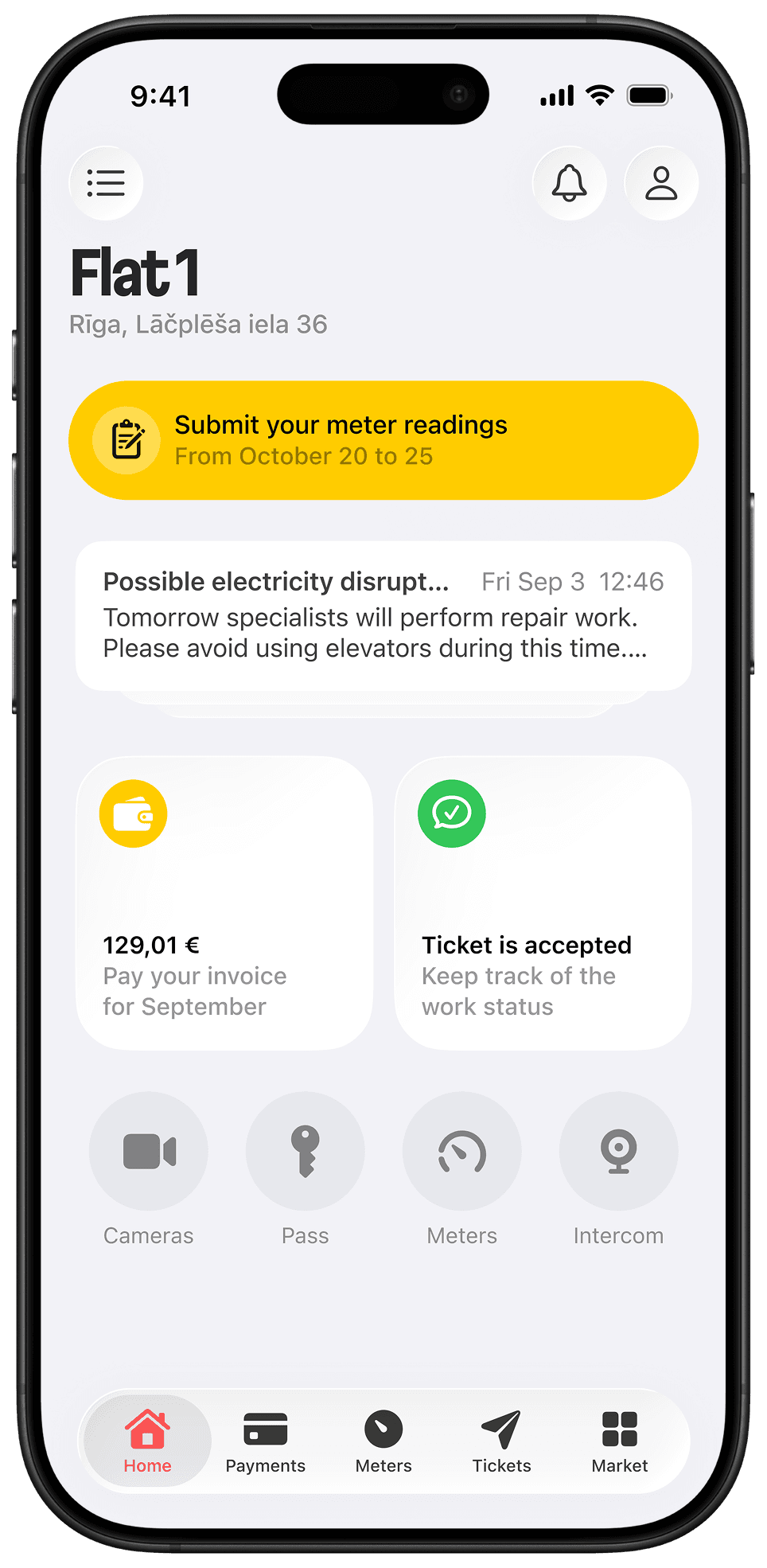
What Easybilly does
Flexible charge rules
Per square meter, per apartment, per resident or a flat amount — set per building.
Migration included
Apartments, owners and opening balances import from Excel or your old system.
Resident-side payment
A PDF with a QR code, or one tap in the resident app.
Utilities and meters
Charge categories for cold and hot water, heating, gas and electricity, plus parking and storage, alongside the meter readings residents submit in the app and the readings of the building's common meters.
AI Reports (on Pro)
Upload raw files and get a clean report — Excel, 1C file exchange, even WhatsApp exports.
Proven at scale
Ande Tower (Georgia) went from 40% to 80% on-time collection in six months. Avant Park (Baku) moved from Excel to Easybilly, with 74% of collected payments made through the app in August 2026, up from 19% in June 2026.
Splitting a supplier’s bill across apartments
A supplier sends the building one bill: for water, heating, the electricity of the common areas, a parking operator, an EV charger. The management company has to turn it into one line per apartment. Easybilly does the arithmetic from rules you set once per building, and every line says where its number came from.
By area, by consumption or equally
Common-area charges can be spread in proportion to each apartment’s area, in proportion to its own consumption, or equally among all apartments.
From the building meter or from the supplier’s total
With a building meter, the common-area amount is the building meter reading minus the apartment meters and any intermediate meters, then spread by the rule you chose. Without one, enter the supplier’s total amount or volume and Easybilly splits it by area or equally. The calculation is stored with the line.
The supplier’s invoice, read by AI
Attach the supplier’s invoice and AI extracts the volume, the total amount and the invoice number from it.
A fixed total, divided equally
A building-wide service with a known total, such as a one-time repair or a shared contract, can be entered as a total and divided equally among the apartments it applies to.
Readings from three sources
Meter readings come from residents in the app, from an Excel or CSV file, and from the building’s common meters.
Water, heating, gas, electricity, parking, storage
Charge categories exist for cold and hot water, heating, gas and electricity, plus parking and storage. EV charging has no ready-made category: it is set up as its own charge line for your project.
What this does not do
- It does not fetch supplier data by itself. A supplier’s bill reaches Easybilly as a file you attach or as figures you enter.
- A split is not a bookkeeping entry: hand your accountant an Excel export or a file exchange, not a live two-way sync.
- The charge rules are per square meter, per apartment, per resident, a flat amount, or a total divided equally. Anything beyond that is not a ready-made rule.
What Easybilly doesn't do
- It's not an accounting ledger replacement. Easybilly tracks charges and invoices; hand your accountant an Excel export or a 1C file exchange — not a live two-way sync out of the box. Integration with a specific accounting or ERP system is possible and is assessed per system: we look at which system it is and what data has to move. How it works on top of your system
- Kaspi, TBC and Click aren't Unitify integrations. They're payment methods residents already use on their own. Easybilly's own acquiring integrations are Bank of Georgia, Flitt, Halyk Bank (ePay), Payme and Yigim.
- On the biller-gateway rails (Paynet in Uzbekistan, PayNet in Kazakhstan, Moy Dom in Kyrgyzstan), Unitify reads the bill from that network into the resident app. Where payment goes back to the network (Paynet, Uzbekistan), the resident pays in the Unitify app and Unitify passes the payment on; PayNet and Moy Dom are read-only.
Payment and billing integrations, and markets
Easybilly’s integrations are scoped to one market each. Acquirers process the payment inside the resident app; biller networks are read by Unitify, which brings the bill into the app and, where built, passes the payment on:
See what you can connect, by category
- Bank of Georgia
Unitify processes the payment directly. Georgia.
- Flitt
Unitify processes the payment directly. Georgia, Armenia.
- Halyk Bank (ePay)
Unitify processes the payment directly. Kazakhstan.
- Payme
Unitify processes the payment directly. Uzbekistan.
- Yigim
Unitify processes the payment directly. Azerbaijan.
- Paynet
Unitify reads charges from Paynet; the resident pays in the Unitify app and Unitify passes the payment to Paynet. Uzbekistan.
- PayNet
Unitify reads the monthly invoice from PayNet Kazakhstan into the resident app. Kazakhstan.
- Moy Dom
Unitify reads a resident’s balance and charges from Moy Dom into the resident app. Kyrgyzstan.
Markets with an integrated billing or payment network
Easybilly’s payment and billing networks cover:
- Georgia
- Kazakhstan
- Uzbekistan
- Armenia
- Kyrgyzstan
- Azerbaijan (Avant Park, Yigim)
Price
Billing is a paid add-on on Free and Base ($0.5 per invoice, €0.5 in Europe) and included free on Pro. Every plan carries unlimited users and properties.
See full pricingReady to close the month in minutes?
Start free — no card. Or book a walkthrough and we'll set up your own building's rules.
Frequently asked questions
What happens to our existing balances when we switch?
Apartments, owners and opening balances import from Excel or your old system, so nothing has to be re-entered by hand.
How are charges calculated?
Per square meter, per apartment, per resident or a flat amount — each building keeps its own rule, and Easybilly applies it automatically every month.
How do residents pay?
They get a PDF invoice with a QR code, or pay in one tap in the resident app. At Avant Park, 74% of collected payments went through the app in August 2026, up from 19% in June 2026.
Does Easybilly replace our accountant or 1C?
No. It generates and tracks charges and invoices; export to Excel or exchange a 1C file for your accountant, rather than a live two-way sync out of the box. Integration with a specific accounting or ERP system is possible and is assessed per system.
What does billing cost?
$0.5 per invoice on Free and Base (€0.5 in Europe), included free on Pro. See the full price list on the pricing page.
How does Easybilly split a water or heating bill across apartments?
By rules set once per building: in proportion to each apartment’s area, in proportion to its consumption, or equally. The common-area share comes from the building meter reading minus the apartment meters, or from the supplier’s total amount or volume that you enter or read from the attached invoice. Every line keeps the calculation behind it.
Can I charge parking or EV charging as separate lines?
Parking and storage are charge categories. EV charging has no ready-made category; it is set up as its own charge line for your project.
The same job, done for you
One page on who does what, what you approve and where it stops.
Related reading
- Property Billing Without Spreadsheet Chaos
- Financial Transparency Residents Value: Billing and One-Click Payments
- From Chaos to Clarity: Why Centralized Information Strengthens Resident Relationships