
Product News
5
min read
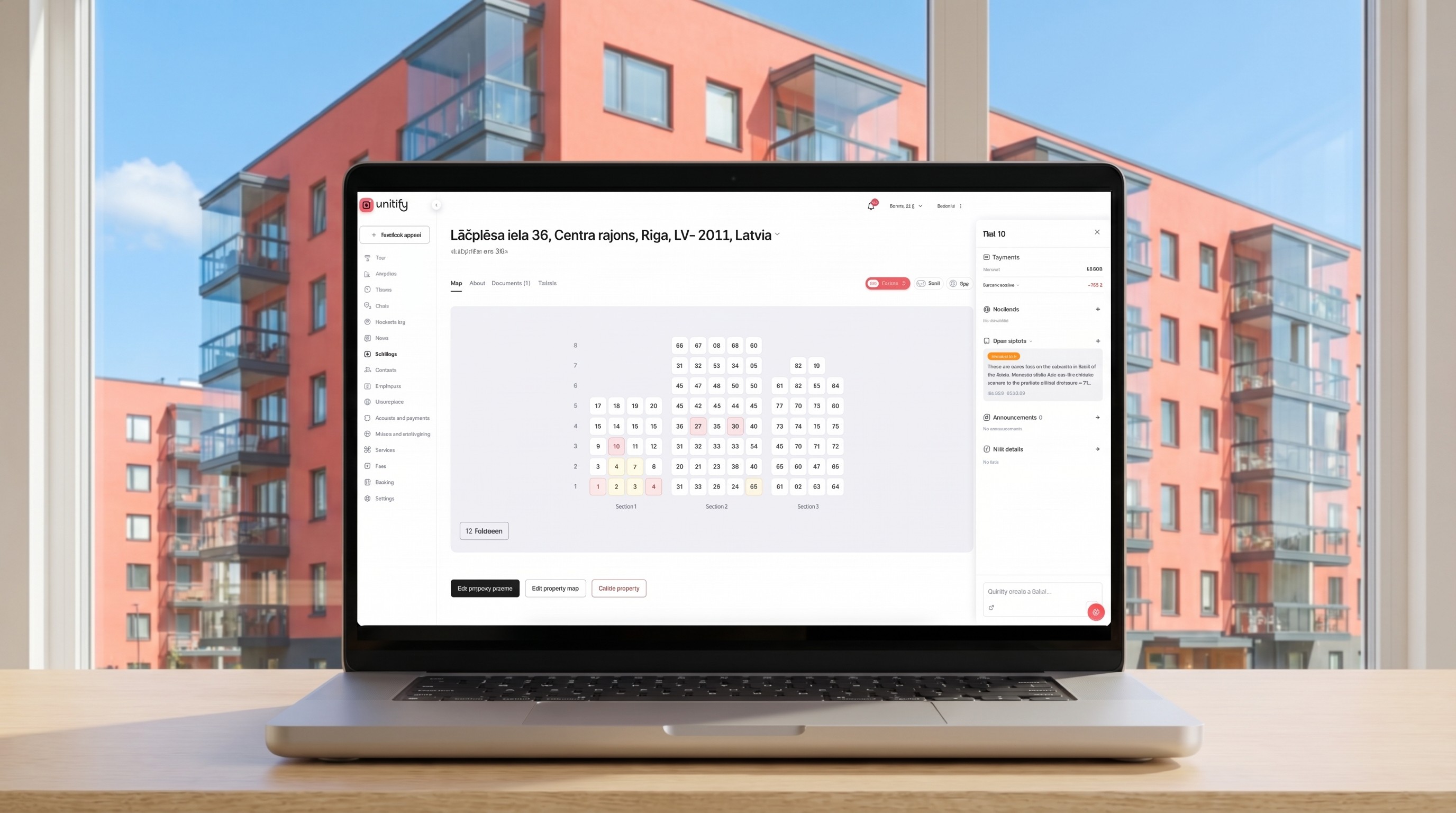
At Unitify, we’ve redesigned one of the core elements of the platform: the building “chessboard”.
Traditionally, this view has been static — a way to see units, occupancy, and basic information.
Actual operations still required switching between multiple modules: tickets, residents, billing, communication. We changed that.
From static view to operational workflow
The updated chessboard is no longer just a visual layer. It’s now a working interface where the property management team can handle most day-to-day operations.
From a single screen, you can:
see what’s happening in each unit in real time
check balances and identify debtors
view and manage active tickets
create new requests instantly
access residents and their activity
switch between different data layers across the building
Click on any unit — and you immediately get the full context: payments, residents, open issues, current status. No need to open multiple tabs or move between modules.
One screen instead of many
What previously required navigating across different parts of the system is now consolidated into one place. This reduces context switching and helps teams stay focused on resolving issues, not managing interfaces. You can see it in action in the video below.
A more operational digital twin
With this update, the chessboard becomes closer to what we see as a true digital twin of the building — not just a representation, but a control layer. You don’t just observe what’s happening — you act on it instantly.
Built for speed and simplicity
Ultimately, this update is about making everyday operations faster and more convenient:
Less time spent switching between tabs and tools.
Less friction in day-to-day workflows.
More time focused on actually managing the building.
Want to see how this works in practice? Book a live demo — we’ll show how to significantly reduce operational load and improve efficiency and profitability in residential property management.


